 EchoLock

Download EchoLock from the official website.
Run as Administrator and allow microphone permissions.
Record your unlock phrase multiple times.
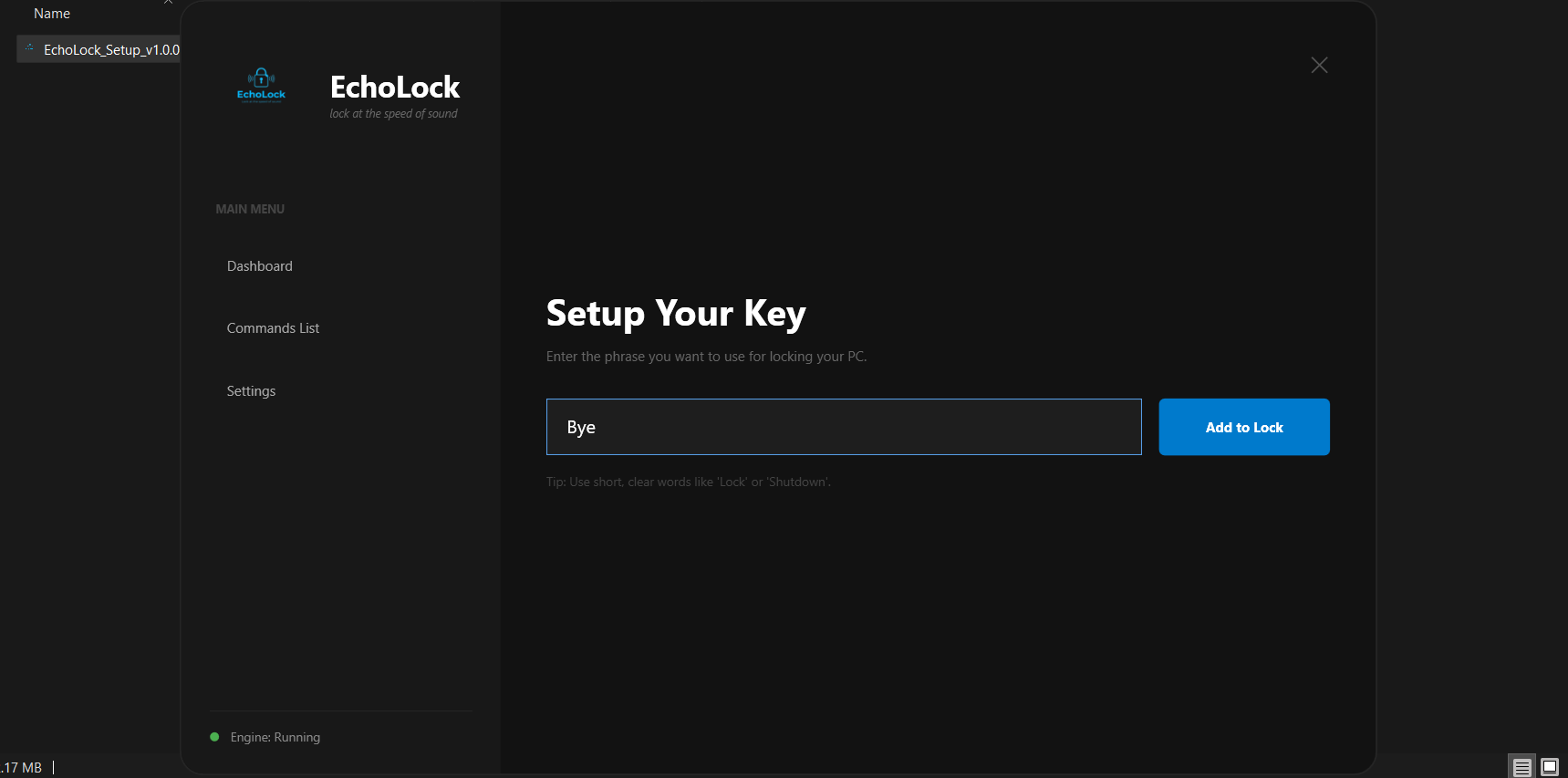
Enter a simple and clear voice keyword (for example: lock, Bye, Shutdown).
This keyword will be used to lock your PC using your voice.
Ensure your microphone is enabled and working properly.
EchoLock runs silently in the background and listens only for your voice key.
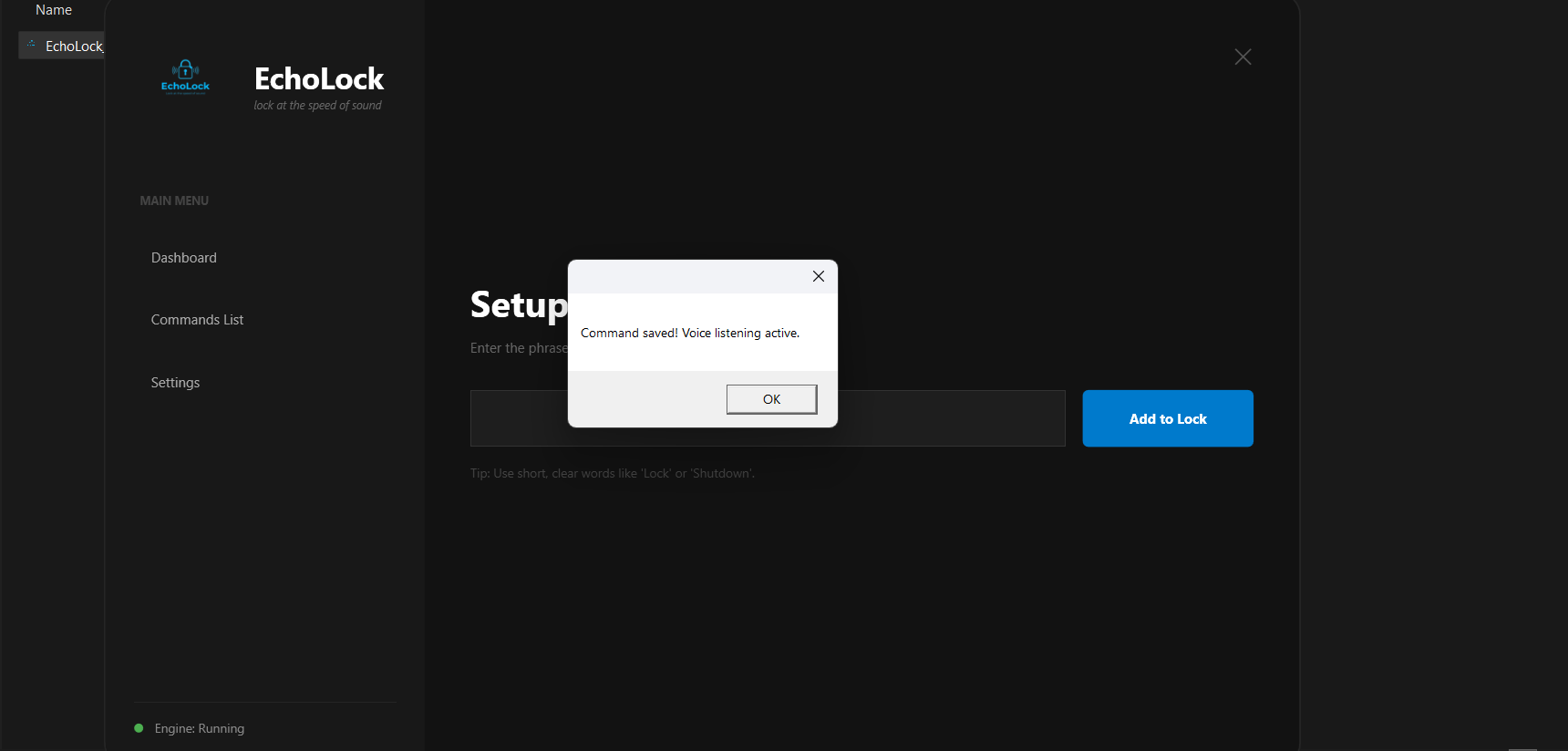
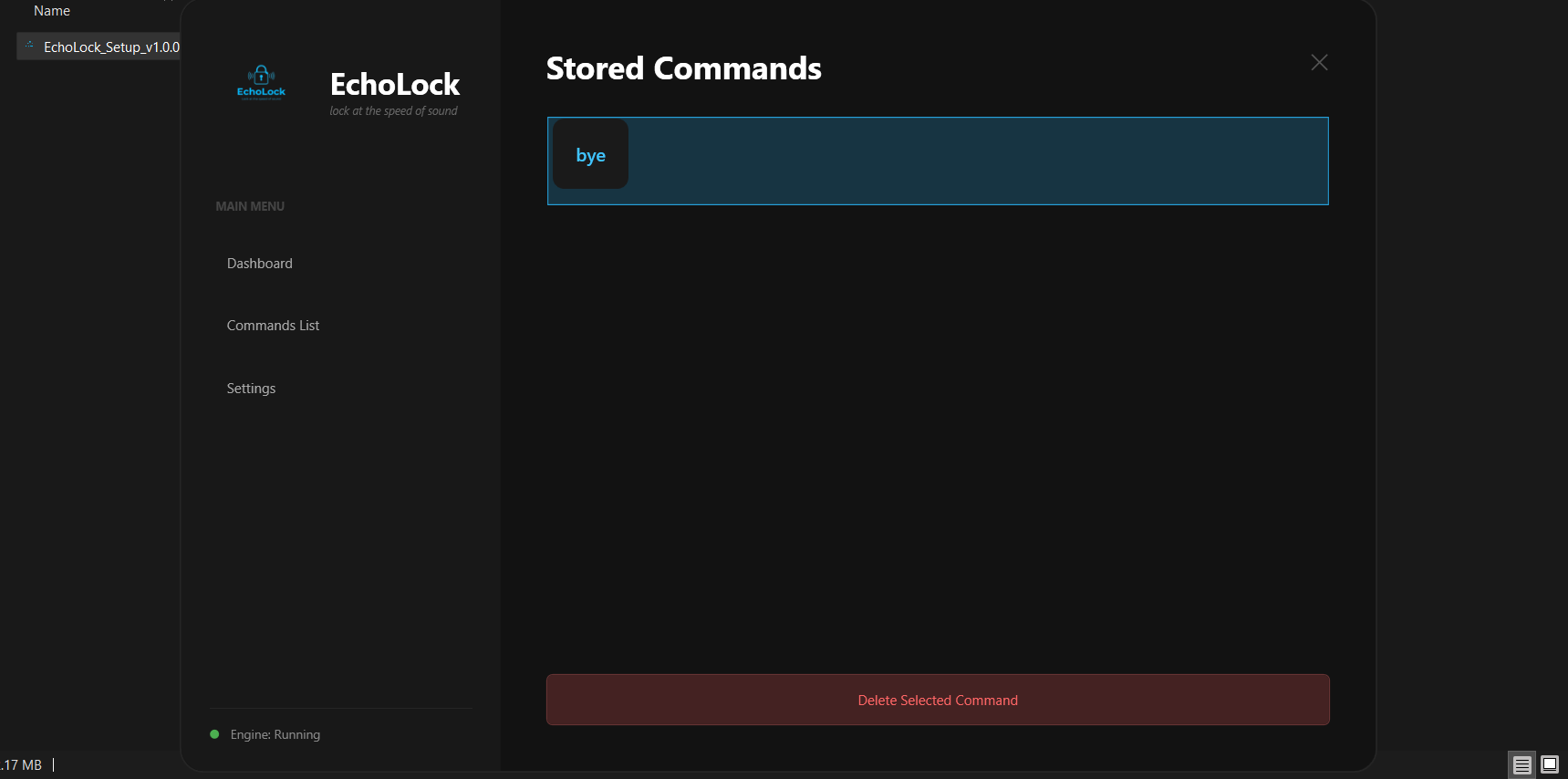
You can view, edit, or manage your voice commands by clicking on the Commands menu inside EchoLock.
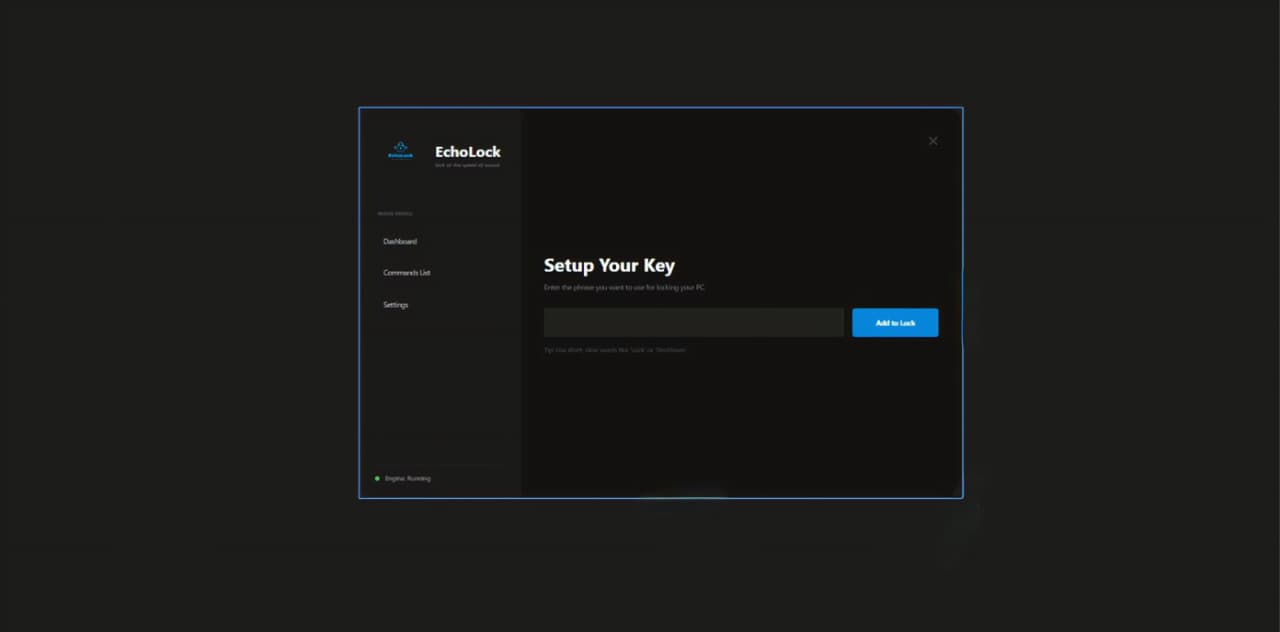
Launch EchoLock and navigate to Settings.
Click on the Continue Uninstall button.
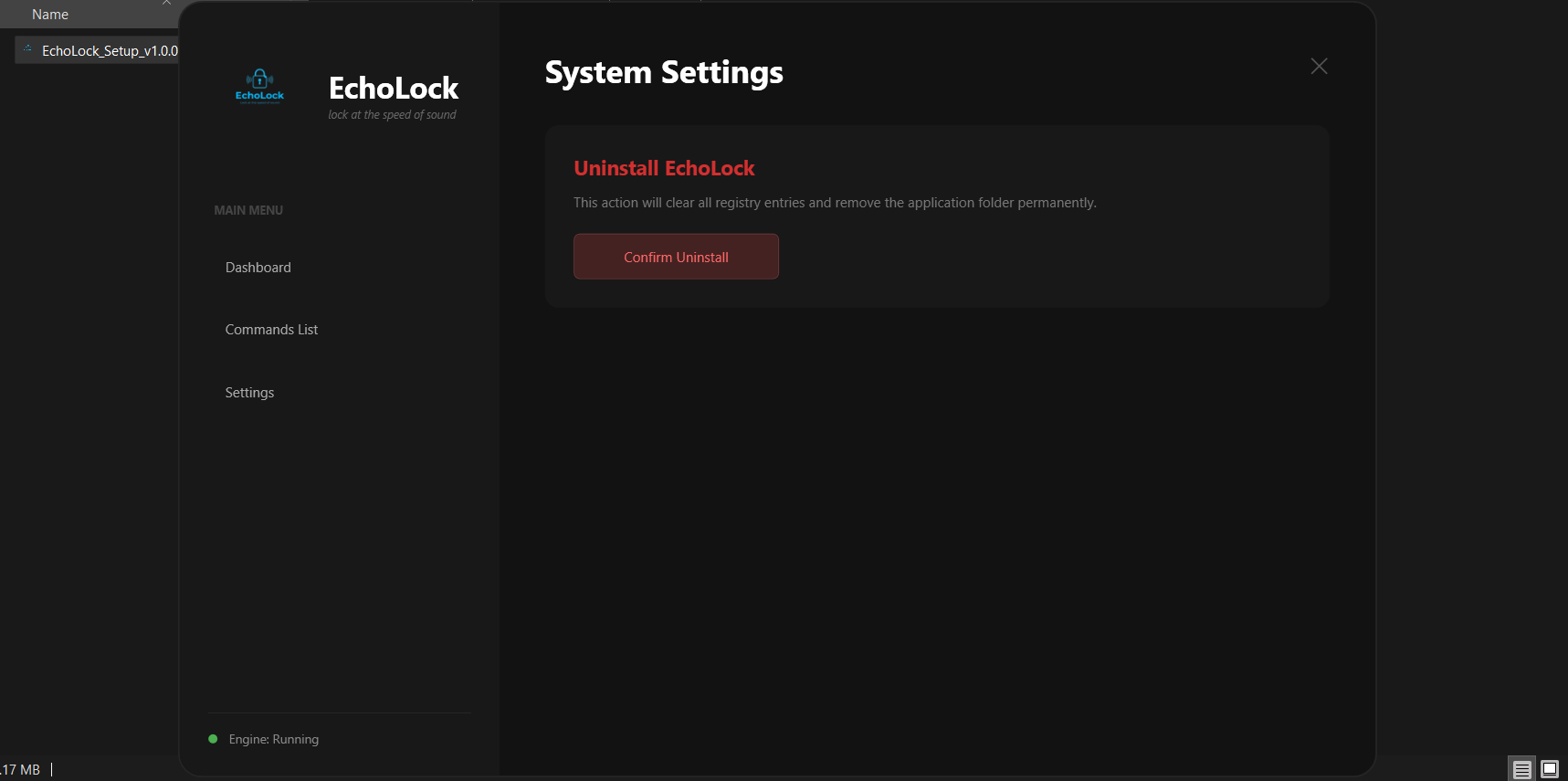
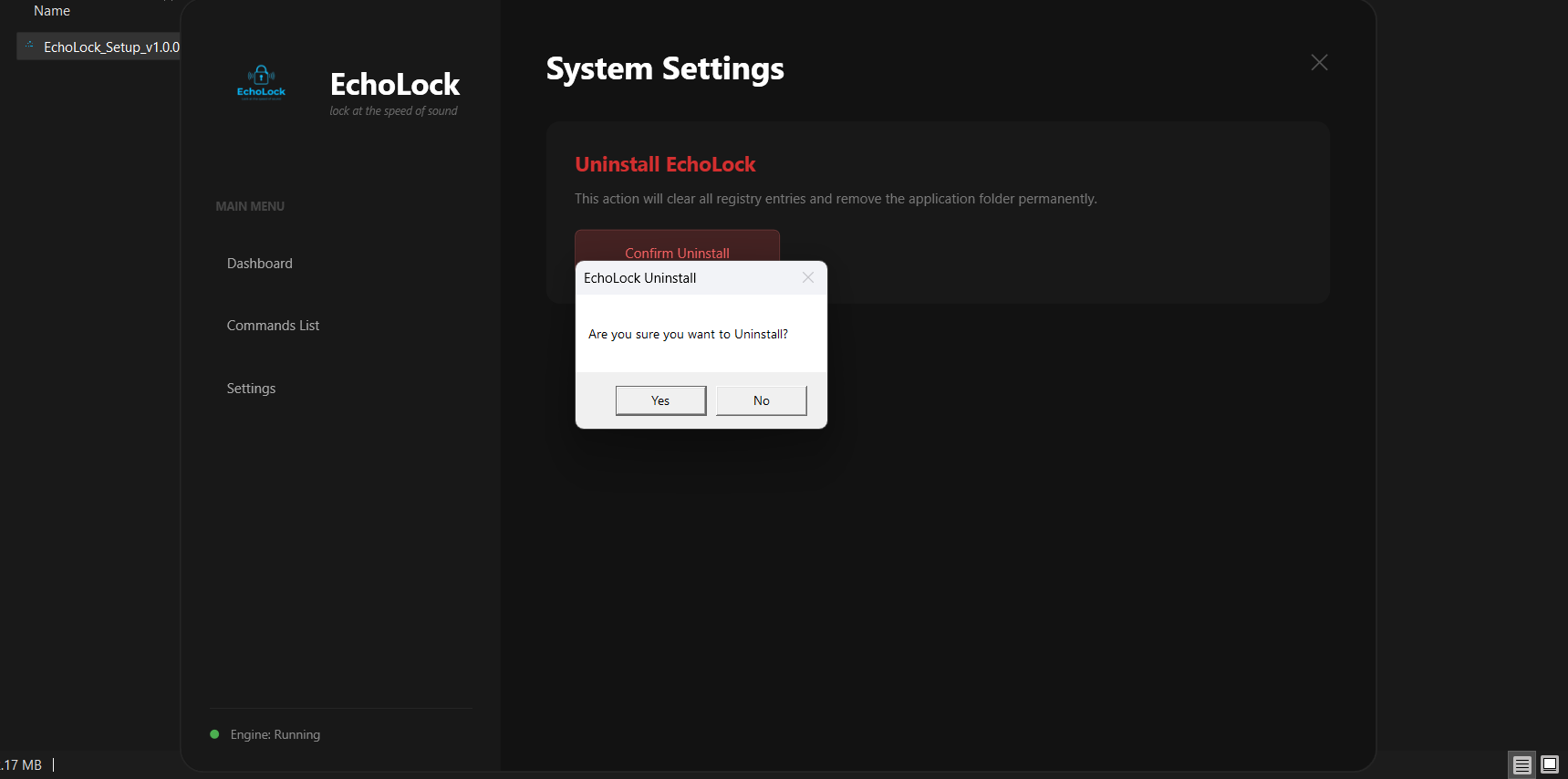
A confirmation popup will appear:
“Are you sure you want to uninstall EchoLock?”
Click Yes to proceed
Click No to cancel
Follow these steps to safely and completely remove EchoLock from your system.
Press Windows + R, type control, and press Enter.
This will open the Windows Control Panel.
Go to Programs > Programs and Features, locate EchoLock, and click Uninstall.
Restart your PC to ensure all EchoLock services and background components are fully removed.